How EasyDropSync Works?
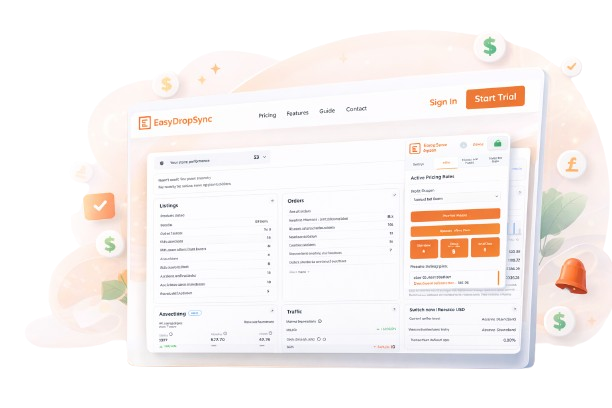
Get fully automated dropshipping. Track listings, sync products, update prices, and manage your business effortlessly—all in one platform..
Step By Step Guide

Step 1 : Configure All the Settings
Save all product list settings securely in a Google Sheet by entering your Google Sheet ID, the corresponding sheet tab name, and your eBay store name. This setup enables accurate synchronization and streamlined management of your product data. Please note that the eBay store name can only be configured once; if you need to update it later, you will be required to contact Customer Support for assistance.for changeing purpose the user have to talk to customer support.
Step 2 : Monitor Price With Amazon
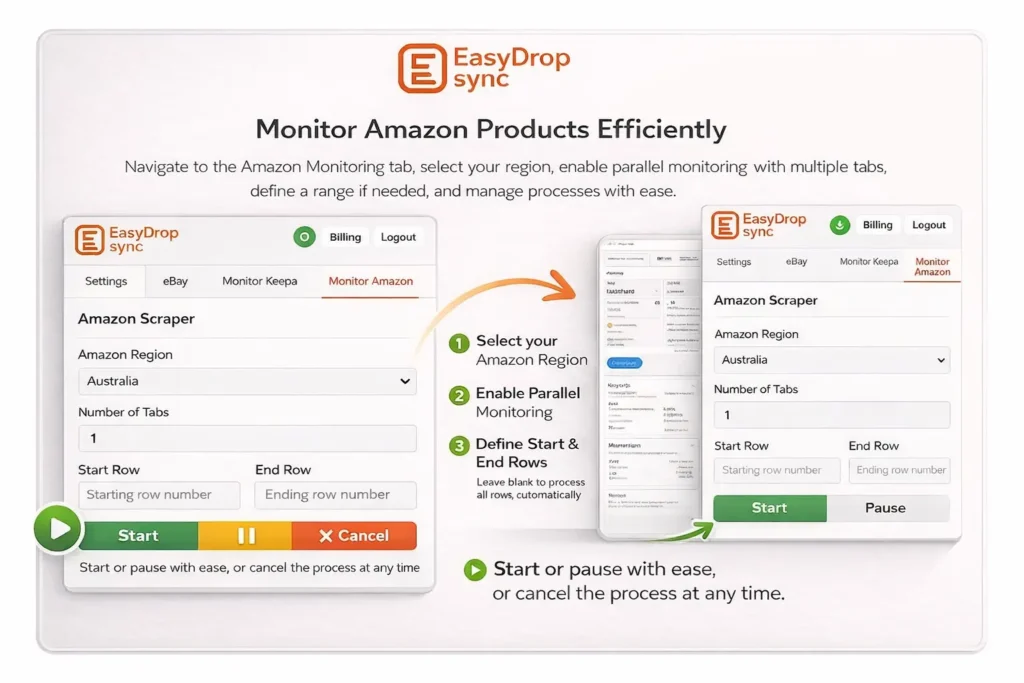
Go to the Amazon Monitoring tab and enter your details. The system will visit each Amazon product based on your configuration, using multiple tabs for faster processing. Select the region and set a starting and ending row (leave empty to include all). It will then check the latest Amazon prices and calculate the eBay price using your formula. After writing the prices, it will also calculate the eBay prices directly in the spreadsheet. In the spreadsheet, this extension will update the status to “1” for products whose values changed on Amazon. Start the process, and use pause/resume or cancel as needed.
Step 3 : Monitor Price With Keepa
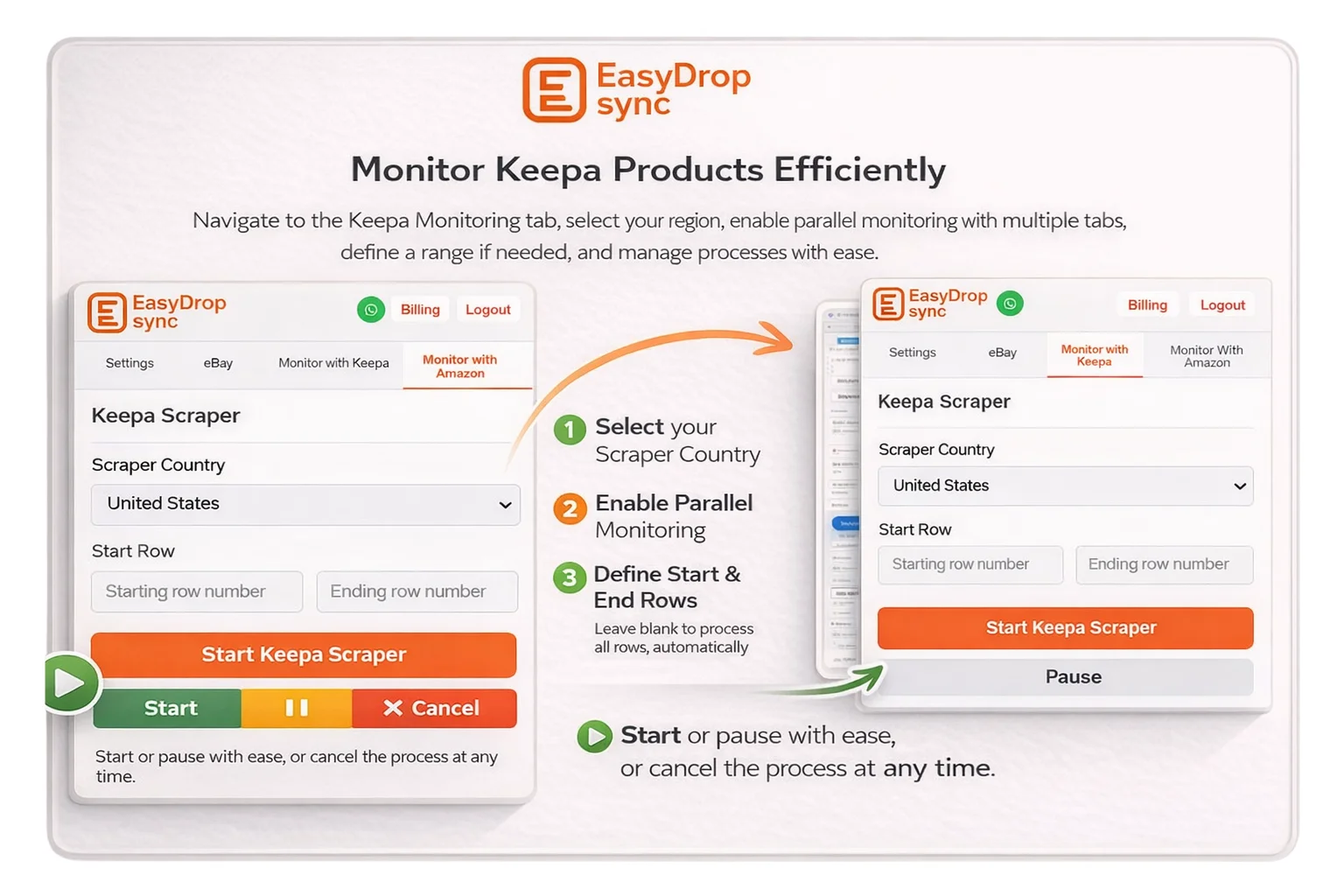
Navigate to the Keepa Monitoring tab and complete all required settings. Second is from Keepa, and you can adjust price formulas in the extension settings page. Select the region and use multiple tabs to monitor products in parallel for faster performance. You may specify a starting and ending row; if left empty, all rows will be considered. Once configured, start the process. A pause option lets you resume, and a cancel option stops the process anytime.
Step 4 : Update Price on Ebay Store
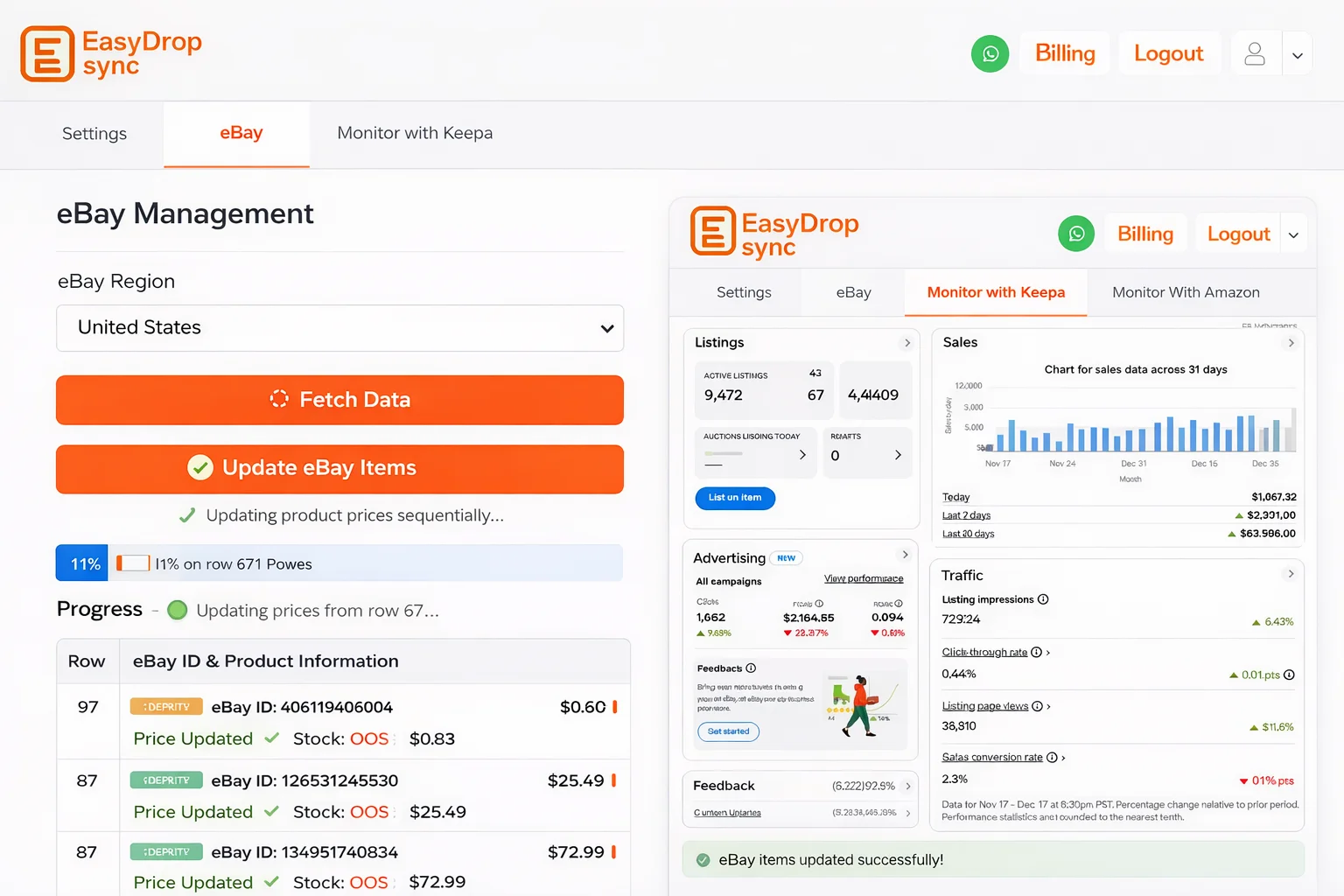
Navigate to the eBay tab and select the region of your choice. Use the Fetch Data functionality to allow the system to retrieve changeable listings from the connected Google Sheet. After fetching the data, enable the Update eBay items option to activate the price update functionality for your eBay store. Once enabled, the extension will update the latest product prices on your eBay account automatically, processing updates sequentially to ensure accurate and controlled updates across all listings.